
Your Microsoft account must be connected to Jira and the Outlook Calendar integration must be enabled.
If you try to edit an event but don’t have the right permissions, you'll see a warning at the top of the Edit Event window stating, “Changes will only be reflected on this calendar:”, with the name of your selected calendar.
You can edit a linked event directly in the Jira work item.
To edit an event:
-
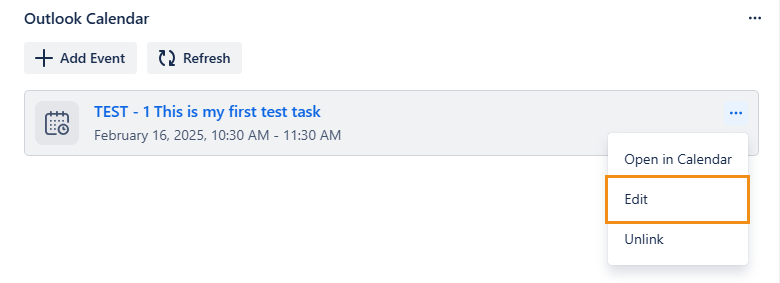
Open the event’s menu and select Edit.
-
Edit the desired fields, then click Update.
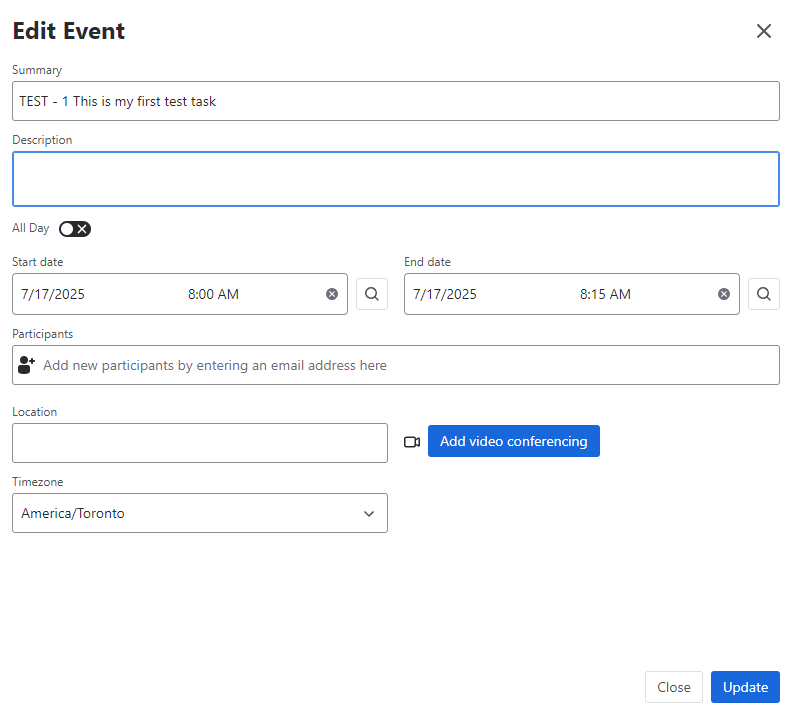
Select 🔍 next to the Start date or End date to copy a date from one of the work item’s date fields.
Participants you add or remove will receive email notifications.