
You can add a description to any checklist item or header, which will display as an expandable drop-down.
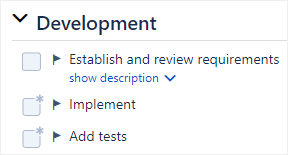
To add a description:
-
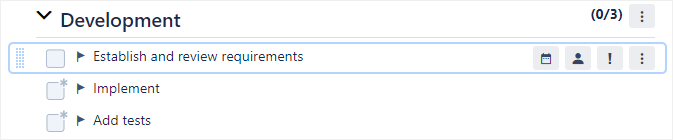
Click on an item or header in the checklist to open the inline editor.
-
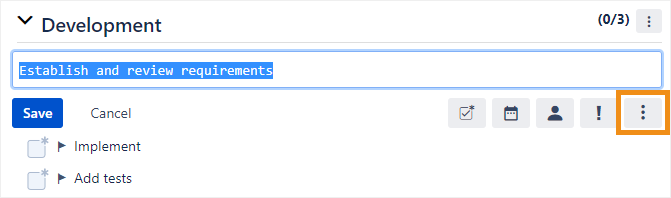
Click the menu button that appears on the bottom right.
-
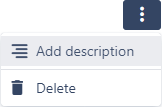
Click Add description.
-
On the new line below the >> characters that were automatically added to the text field, enter a description and click Save.

As a shortcut, you can simply click in the text field, press Shift + Enter to create a new line underneath your text, and type >>.