
Local checklist items are specific to a single Jira issue.
To create a new local item:
-
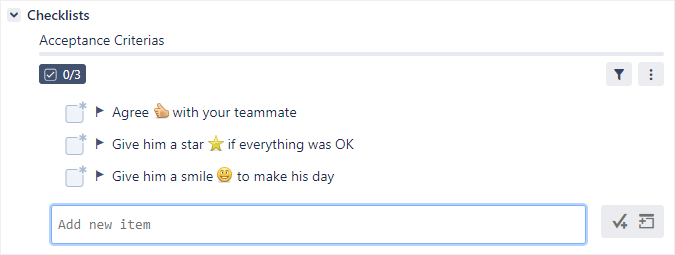
Click in the Add new item text field.
-
Enter the item text and click the Add item button on the right.

As a shortcut, you can simply press Enter when you are done typing (the Add item button is highlighted by default).