
Your Microsoft account must be connected to Jira and the SharePoint / OneDrive integration must be enabled.
After linking a file to your Jira work item, you can download it directly through Jira.
To download a linked file:
-
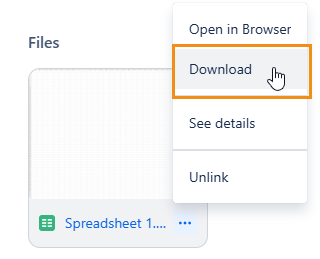
Open the file’s menu and click Download.
-
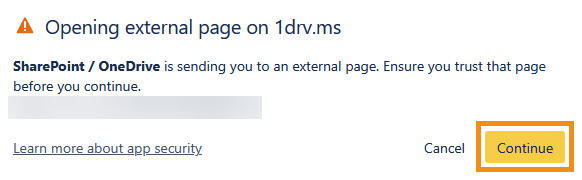
In the dialog that appears, click Continue to start downloading the file.
You can download individual files, but not an entire folder at once.
Users will only be able to access files and folders that their Microsoft account has the right permissions for.
Are you having trouble downloading a file? See SharePoint / OneDrive integration FAQ or contact us.