
Your Microsoft account must be connected to Jira and the SharePoint / OneDrive integration must be enabled.
You can link files or folders from SharePoint / OneDrive to a Jira work item.
To link files or folders to a Jira work item:
-
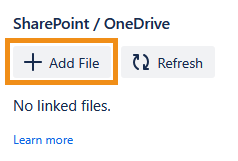
In the SharePoint / OneDrive panel, click the + Add File button.
-
Click the files and folders you want to link, then click Link.
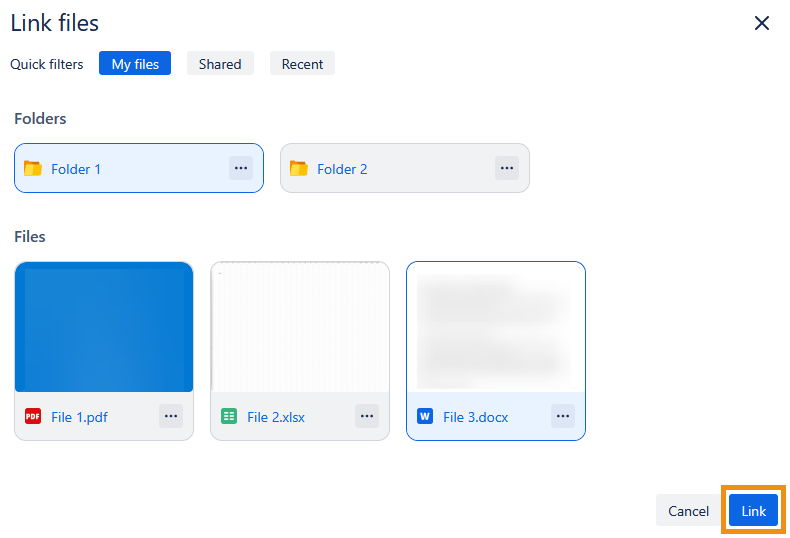
The selected files and folders will appear in the Jira work item.

Users will only be able to access files and folders that their Microsoft account has the right permissions for. See the SharePoint / OneDrive integration FAQ for more information.