
Your Microsoft account must be connected to Jira and the SharePoint / OneDrive integration must be enabled.
You can open a file or folder in SharePoint / OneDrive for viewing or editing.
To open a file or folder:
-
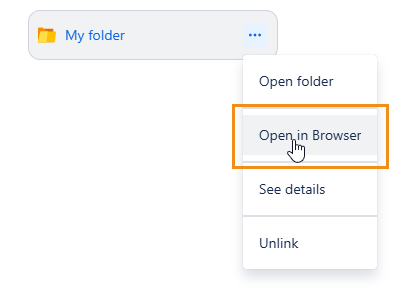
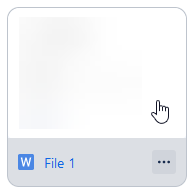
Click the file or folder’s menu and select Open in Browser. If you want to open a file, you can also click its icon.
-
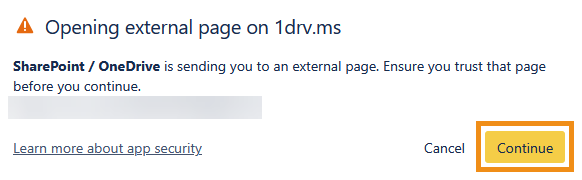
In the dialog that appears, click Continue to open the file or folder in a new window.
Users will only be able to access files and folders that their Microsoft account has the right permissions for. See the SharePoint / OneDrive integration FAQ for more information.