
Moving away from another reward program app? Make it seamless through our importing process!
The following table lists the apps we accept imports from, with documentation to how to export their respective data, and the structure of the CSV file the app expects.
|
App |
Export data documentation |
The file’s expected structure |
|---|---|---|
|
||
|
https://help.loyaltylion.com/en/articles/5367139-exporting-your-data#h_edc5a273f8 |
|
|
|
https://support.yotpo.com/docs/exporting-subscriptions-from-yotpo |
|
The process is similar for each app:
-
Open the reward app you want to have its data imported from, and export the customer list.
See table above for directions on how to export your data
-
Open the Integrations menu, then in the Import from other Loyalty Apps, select the app you want to import from.

-
In the new page, upload your other app’s exported data file, then press the Import “X” data button.
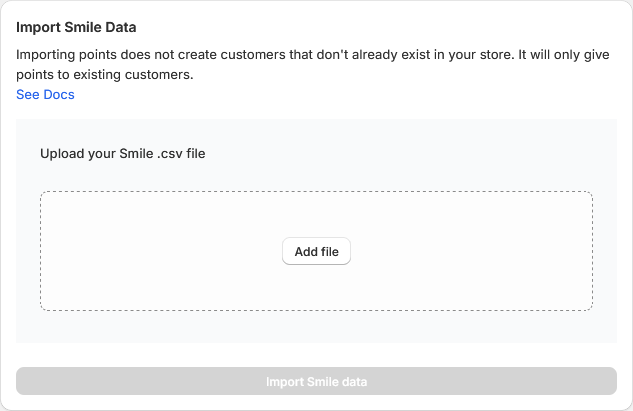
The import process will match your shop’s customers to the data found in the file. It will not create new customers if no match is found.
The import did not work as you expected or you have questions? Reach out and we will be happy to help!