
The VIP detail form is used when both adding and editing VIP tiers.
Some fields are locked once the VIP tier is created. Those fields are marked below with cannot be changed .
|
Field |
Description |
|---|---|
|
cannot be changed Status |
Indicates whether or not the VIP tier awards its benefits and perks. While inactive, customers can still join and be part of the VIP tier, but won’t benefit of it. |
|
cannot be changed Tier title |

The title shown to your customers when they either look at their VIP tier, or look at the VIP tier list. |
|
cannot be changed Icon |
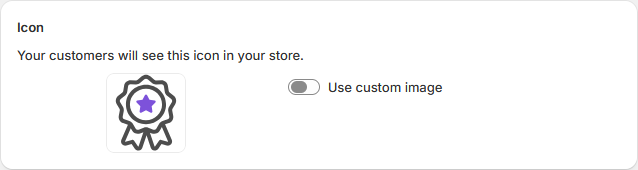
The icon matched to the VIP tier. You can set a custom image to better represent your branding, or keep the default icon which adapts its colour to the theme configured in the app. |
|
cannot be changed Conditions |
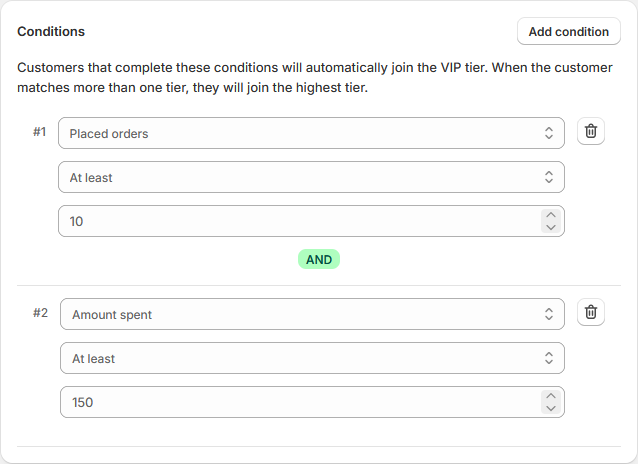
While you can manually change the VIP tier of a customer, joining a VIP tier is typically done automatically after the customer completes a series of conditions. All conditions must be met to join the tier. If a customer completes the conditions of more than one VIP tier in a single purchase, the customer will join the highest VIP tier.
|
|
Points earned when placing orders |
This feature needs to be paired with the Points reward program 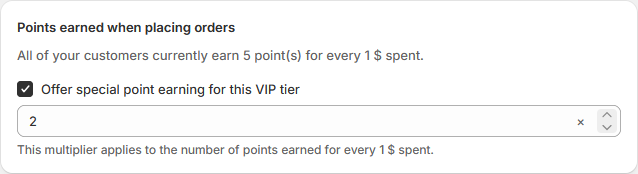
Members of the VIP tier will have a multiplier applied to their earned points. If you set a multiplier of 2, the customers will gain double the amount of points on each purchase. |
|
Percentage discount |
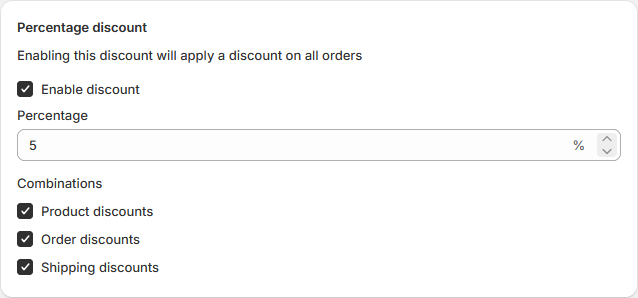
By enabling this discount, all members of the VIP tier will automatically have their orders be discounted by the specified percentage. This discount can be combined with other discounts if you configure it to. Discount combination follows Shopify’s discount combination system. |
|
Free shipping |
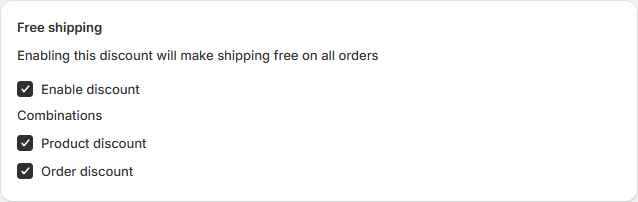
By enabling free shipping, all members of the VIP tier will automatically have their order’s shipping costs discounted. This discount can be combined with other discounts if you configure it to. Discount combination follows Shopify’s discount combination system. |
|
Perks |
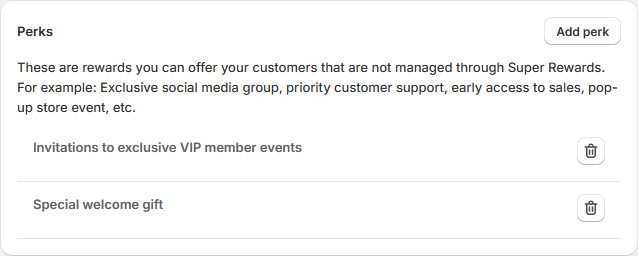
The perks are rewards you can offer your customers that are not managed through Super Rewards. |