
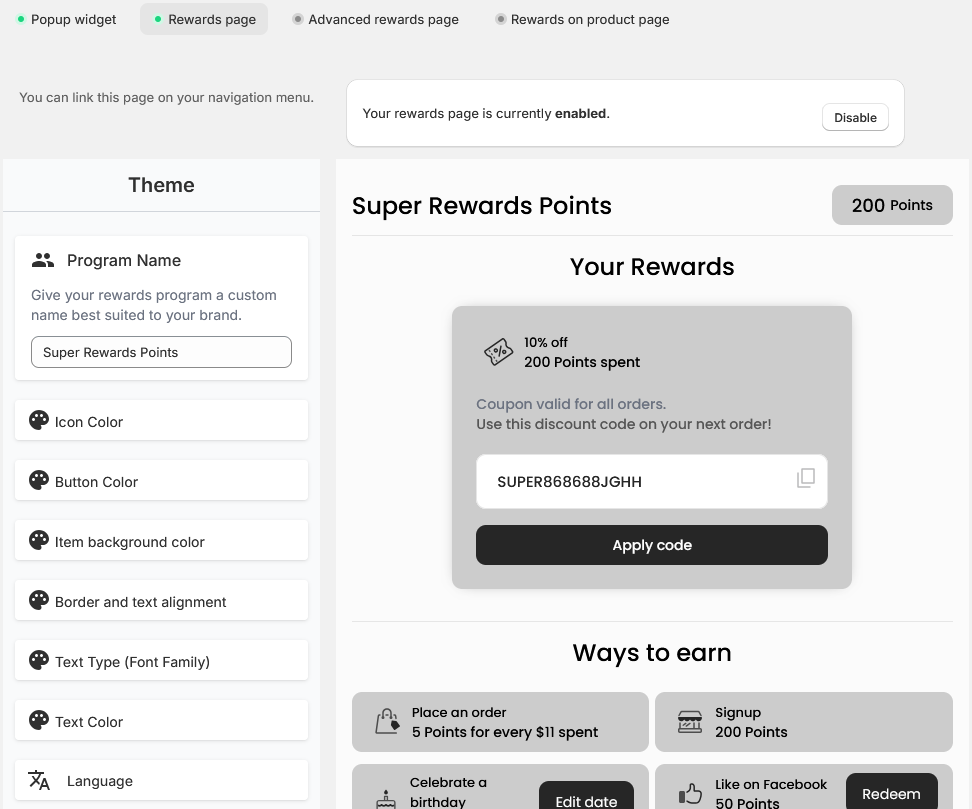
The rewards page is a pre-built page section where your customers can take the time to look at what your reward programs offer and what their current balance and available redeems are.
Settings
|
Setting |
Description |
|---|---|
|
Program name |
The name your customers will see as the reward program name. |
|
Icon color |
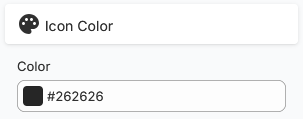
Changes the color of the icons' highlight. |
|
Button color |
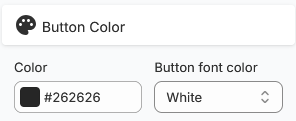
Dictates the buttons' background color. The buttons' text color can be changed as well to be visible on the selected background color. |
|
Item background color |
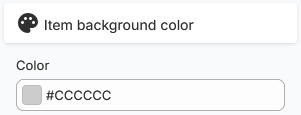
Dictates what the background color is for each of the colored sections. |
|
Border and text alignment |
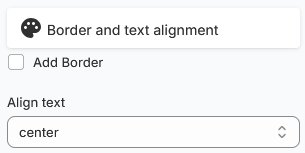
Add border will add a border to the whole reward section. Once activated, you can select the border’s color. The text alignment is for each major section’s heading’s alignment. |
|
Text type (font family) |
Dictates what font family is used in the page section. |
|
Text color |
Dictates what color the section headings and colored section titles will be. |
|
Language |
Dictates the language in which the page section will be displayed. |
Additional settings
The Text customization setting redirects you to a specific page where you can completely customize the reward page’s text.