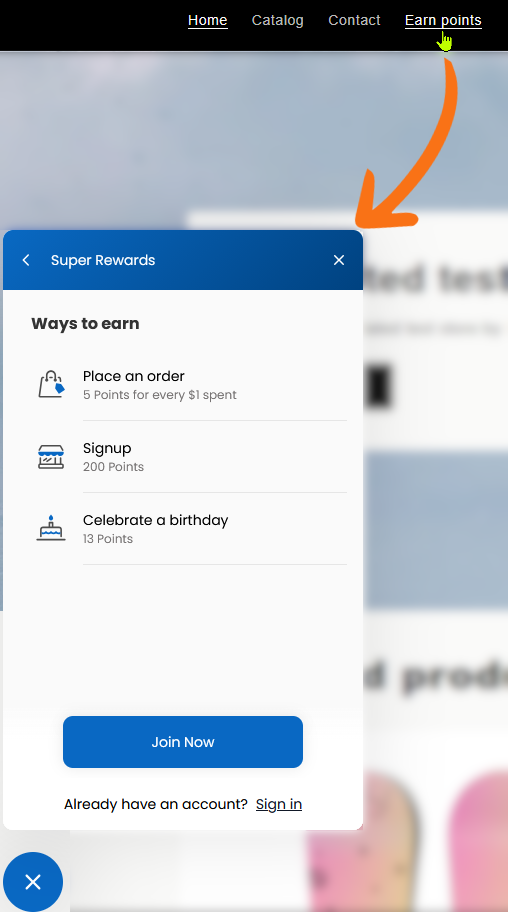
Deep links are links that manipulate the popup widget to display the information you want your customers to see.
They are useful to guide your customers to specific information in your reward program without them having to navigate the different menus in the widget themselves.
The available deep links are as follows:
|
Link |
Description |
|---|---|
|
|
Opens the popup widget’s starting page. |
|
|
Opens the popup widget’s page that lists your point program’s ways to earn points. |
|
|
Opens the popup widget’s page that lists your point program’s ways to redeem points, except the free products. |
|
|
Opens the popup widget’s page that lists your point program’s redeemable free product list. |
|
|
Opens the popup widget’s page that lislts your VIP program’s tiers. |
To use deep links:
-
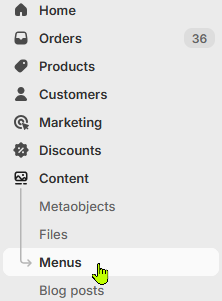
Open the Menus menu, under the Content menu.
-
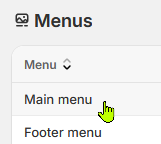
Open the menu where you want to add the link. For this use case we will add an item to the Main menu.
-
In the Menu items section, add a menu item and fill it with the label and deep link of your choice.

You can repeat this step to add all the links you want to present to your customers.
-
Press the Save button.
Once done, the menu will appear in your shop and will open the widget at the page you set the deep link at.