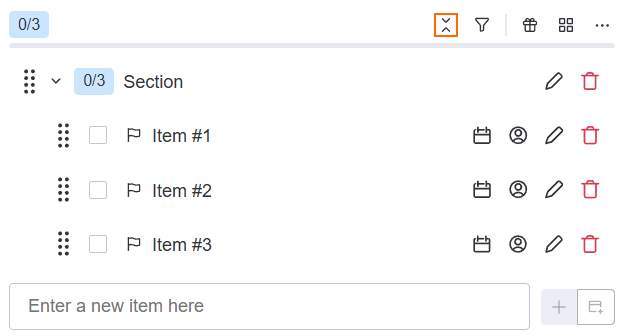
Tired of seeing sections taking up your whole screen? Just collapse them!
To toggle between the expanded and collapsed state, click on the chevron beside the name of a section.
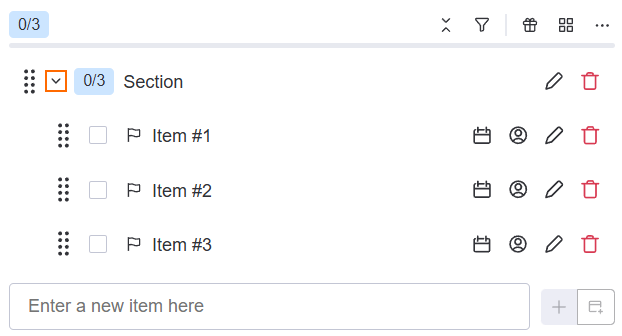
To expand or collapse all sections at once, click on the double chevron icon.