The activity log is only available for accounts using a paid plan of Checklist for monday.
monday’s activity log is not suited to display changes done in checklist data fields. If you want to audit or find out what happened in a checklist, you can check out its activity log.
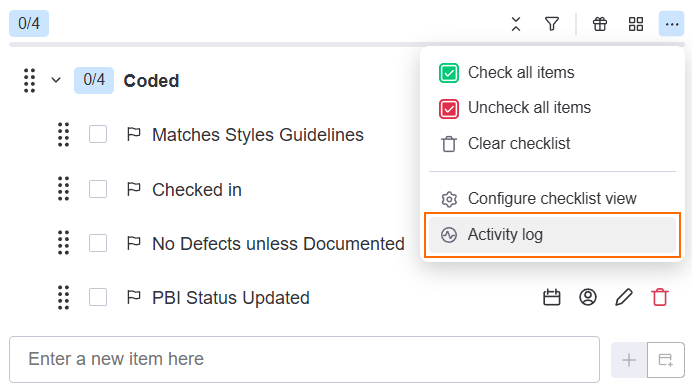
You can view a checklist’s activity log from the menu in the Checklist for monday item view.
To view the activity log:
-
Open the item.

-
In your checklist view, click the

Like in monday’s own audit log, you can apply filters to help narrow your search.
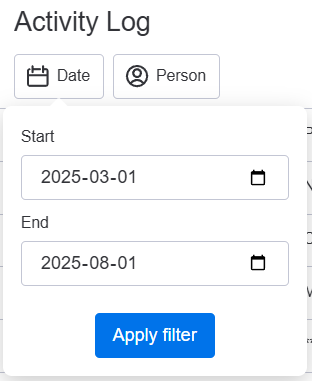
Filter by date range
You can filter a date range by clicking the Date button. Then press Apply filter.
Filter by person
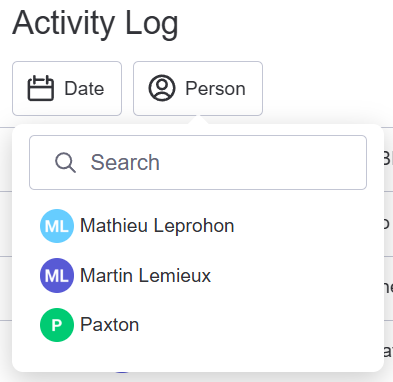
You can filter for changes done by a certain user by clicking the Person button.
Search for the user and click on the corresponding row to filter.